 HSA & FSA accepted; best-value for top quality care
 Same-day mental health, weight loss, and primary care appointments available

 Accept major insurances and cash-payHSA & FSA accepted; best-value for top quality careSame-day mental health, weight loss, and primary care appointments availableAccept major insurances and cash-pay
Telehealth Primary Care Checklist for Families in 2026
Written by Klarity Editorial Team
Published: Jun 23, 2026
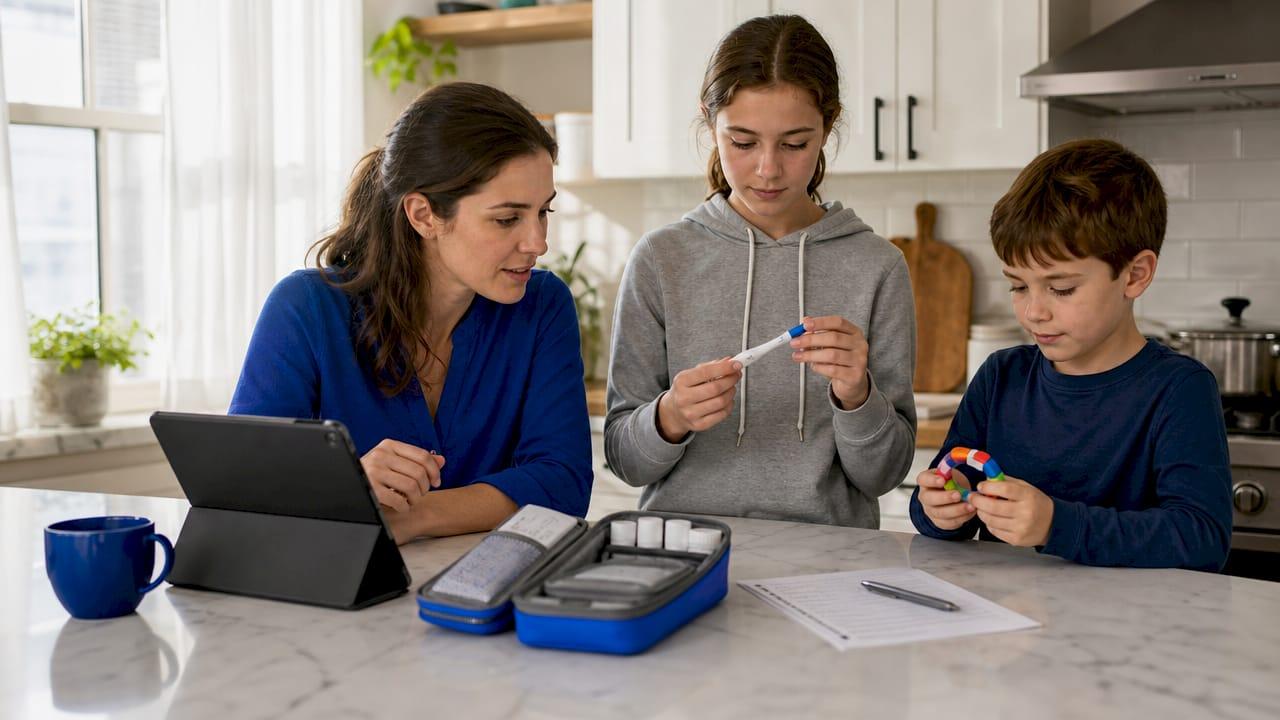
A telehealth primary care checklist is a structured preparation tool that covers technical setup, medical records, question planning, privacy, and follow-up steps before and after a virtual health visit. Skipping this preparation is the single biggest reason patients leave virtual appointments frustrated. The information gap — where patients scramble to find data during a short call — is the main driver of dissatisfaction with telehealth. Platforms like Teladoc and Zoom for Healthcare have made virtual visits widely accessible, but the quality of your visit depends almost entirely on how well you prepare before you log on.
1. What are the essential technical preparations for a telehealth primary care checklist?

Technical failures are the most preventable reason a virtual visit goes wrong. A dropped connection, a frozen screen, or a locked account wastes your provider’s time and yours. The fix is simple: run a full tech check at least 24 hours before your appointment, not 5 minutes before.
Here is what to verify the day before:
- Device: Use a laptop or tablet with a working camera and microphone. Phones work but make it harder for your provider to see details clearly.
- Internet speed: A stable connection of at least 10 Mbps download handles video without freezing. Test yours at Fast.com or Speedtest by Ookla.
- App or platform: Install the required app (MyChart, Teladoc, Doxy.me, or your provider’s platform) and log in to confirm your credentials work.
- Camera and microphone: Test both inside the app, not just your device settings. Microphone permissions often block audio even when the device mic works fine.
- Power: Plug in your device or charge it fully. A dying battery mid-visit is avoidable.
- Backup plan: Save your provider’s phone number. If the video fails, most practices will switch to an audio call.
Pro Tip: Set a calendar reminder for 25 hours before your appointment to run this tech check. That gives you time to download updates or reset a forgotten password without panic.
2. How to prepare your medical information before a virtual primary care visit
Organized medical records turn a 15-minute call into a productive clinical conversation. Your provider cannot order the right labs or adjust your medications without accurate, current information. Build one folder, physical or digital, that holds everything they might need.
- Vaccination history: List all vaccines with dates. For families, include records for every member who will be seen. This is especially relevant for school and travel health needs, which a pediatric telehealth visit can address directly.
- Lab results and imaging: Bring your three most recent results. If you had bloodwork in the last 12 months, have the PDF ready to share on screen or upload to the patient portal.
- Medication list: Write down every prescription, over-the-counter drug, and supplement with the dose and how often you take it. This is the single most common gap in telehealth visits.
- Symptom log: Note when each symptom started, how often it occurs, and how severe it is on a scale of 1–10. Vague descriptions like “I feel off” give your provider nothing to work with.
- Insurance card and pharmacy info: Have your insurance ID number and your preferred pharmacy’s name and phone number ready. Prescription delays almost always trace back to missing pharmacy details.
- Vital sign trends: Log your blood pressure, weight, or blood glucose at the same time each day for 3–5 days before your appointment. Trend data gives your provider far more clinical insight than a single reading taken the morning of your call.
Pro Tip: Use a free app like Apple Health or Google Fit to log vitals automatically. Export a screenshot before your visit and share it on screen.
3. What questions should you plan to ask during your telehealth primary care visit?
Telehealth visits move faster than in-person appointments. Providers often have tighter schedules, and the absence of a physical exam means the conversation carries more weight. Ranking your top 3 questions in priority before the call is the most effective way to make sure you cover what matters most.
Questions worth preparing in advance:
- Preventive screenings: “Am I due for a colonoscopy, mammogram, or cholesterol panel this year?” Preventive care plans should include a review of your vaccination history and any age-appropriate screenings.
- Prescription management: “Can you refill my current medications, and are there any interactions I should know about?” Confirm whether your provider can send prescriptions to your pharmacy from this platform.
- Referrals: “Do I need to see a specialist, and can you send that referral today?” Not all telehealth platforms handle specialist referrals. Ask upfront.
- Follow-up care: “What should I do if my symptoms get worse before our next appointment?” Get a clear answer, not a vague “call us.”
- Telehealth limitations: “Is there anything you need to examine in person?” Some conditions require a physical exam. Knowing this early prevents wasted time and delayed diagnosis.
For mental health concerns, preparing specific questions about symptoms, medication side effects, or therapy options is equally critical. A telehealth mental health visit follows the same preparation logic: objective data and specific questions produce better outcomes than open-ended conversations.
4. How to create a private, comfortable space for your telehealth appointment
Your environment affects both the quality of your visit and your privacy. A noisy kitchen or a shared office creates two problems: your provider cannot hear you clearly, and people nearby may overhear sensitive health information. A private, quiet, well-lit space is not optional. It is part of the checklist.
Follow these steps to set up your space:
- Choose a private room with a door you can close. A bedroom or home office works well. Avoid open living areas.
- Face a light source. Sit facing a window or lamp so your face is clearly visible. Backlighting makes you appear as a silhouette.
- Use headphones. Earbuds or over-ear headphones improve audio quality and prevent sound from carrying to others nearby.
- Silence notifications. Turn off phone alerts, computer pop-ups, and smart home devices that might interrupt the call.
- Secure your Wi-Fi. Use your home network, not a public hotspot. Public Wi-Fi is not appropriate for health conversations.
- Check your platform’s privacy policy. Understand whether your session is recorded, stored, or shared before you begin.
5. Key steps to follow after your telehealth primary care visit
What you do after the visit determines whether the appointment actually improves your health. Most of the clinical value gets lost when patients do not act on what was discussed. A short post-visit routine closes that gap.
- Request your visit summary. Ask your provider to send notes through the patient portal. This confirms what was discussed and gives you a reference if questions come up later.
- Schedule lab work or imaging immediately. Prompt scheduling after a telehealth visit prevents delays in diagnosis and treatment. Do not wait until you feel worse.
- Set digital reminders. Use your phone’s calendar or an app like Medisafe to track prescription refills, follow-up appointments, and preventive screenings. Digital reminders are more reliable than memory.
- Follow up on referrals. If your provider sent a specialist referral, call that office within 48 hours to confirm they received it and to schedule your appointment.
- Track your response to any new treatment. If your provider adjusted a medication or recommended a lifestyle change, log your symptoms and vitals for the next two weeks. Bring that data to your next visit.
For families managing lab test orders through telehealth, understanding how results get routed back to your provider is especially important. Confirm the process before you leave the call.
6. How do telehealth primary care platforms compare for ongoing care?
Not all telehealth apps offer the same level of care. The difference between a virtual urgent care app and a true virtual primary care platform is significant, and choosing the wrong one leads to fragmented, incomplete care.
| Feature | Virtual primary care | Virtual urgent care |
|---|---|---|
| Ongoing provider relationship | Yes | Rarely |
| Lab and imaging orders | Yes | Limited |
| Specialist referrals | Yes | Rarely |
| Prescription management | Full | Short-term only |
| Preventive care planning | Yes | No |
| Insurance billing type | Primary care | Urgent care |
| State licensing verification | Required | Required |
Billing differences between primary care and urgent care telehealth directly affect your cost and follow-up access. Primary care visits are billed differently and often covered at a lower copay under most insurance plans. Before switching platforms, verify that your new provider is licensed in your state. State licensing laws mean a provider cannot legally treat you if you are located outside their authorized state at the time of the visit. That can result in a canceled appointment or an inability to prescribe.
For a full breakdown of what to look for, the telehealth platform features guide from Helloklarity covers the key capabilities to evaluate before committing to a service.
Key takeaways
A complete telehealth primary care checklist covers technical readiness, organized medical records, prepared questions, a private environment, and a structured post-visit follow-up routine.
| Point | Details |
|---|---|
| Test tech 24 hours early | Run a full device, app, and connection check the day before to avoid last-minute failures. |
| Bring trend data, not single readings | Log vitals for 3–5 days before your visit to give your provider clinically useful information. |
| Rank your questions in advance | Prioritize your top 3 questions so the most important issues get covered in a short visit. |
| Verify platform and provider licensing | Confirm your provider is licensed in your state and offers lab orders, referrals, and prescriptions. |
| Act on follow-up steps immediately | Schedule labs and referrals within 48 hours to prevent delays in diagnosis and treatment. |
What I have learned from watching patients skip the checklist
Most people treat telehealth like a phone call. They log on, describe how they feel in general terms, and expect the provider to figure out the rest. That approach works for a sore throat. It fails for anything chronic, preventive, or complex.
The patients who get the most out of virtual primary care do one thing differently: they show up with data. Not a vague sense of “I’ve been tired lately,” but a blood pressure log, a medication list, and three specific questions. That shift changes the entire dynamic of the visit. The provider spends less time gathering basic facts and more time actually analyzing and advising.
Families miss preventive care opportunities most often because they use telehealth reactively. A child gets sick, they book a visit, and the conversation never gets to vaccination schedules or the upcoming school physical. Building a family preventive care checklist into your annual routine changes that pattern. You stop chasing symptoms and start managing health proactively.
One more thing most articles skip: the post-visit follow-up is where the checklist pays off most. The visit itself is 15–20 minutes. The follow-up, scheduling labs, tracking medication responses, confirming referrals, is where outcomes are actually determined. Treat that part of the checklist with the same discipline as the preparation.
— Guorui
Helloklarity makes virtual primary care visits easier to prepare for
Helloklarity connects patients with over 1,000 licensed providers for primary care, mental health, and weight management, with same-day appointments available and self-pay options starting at $49.
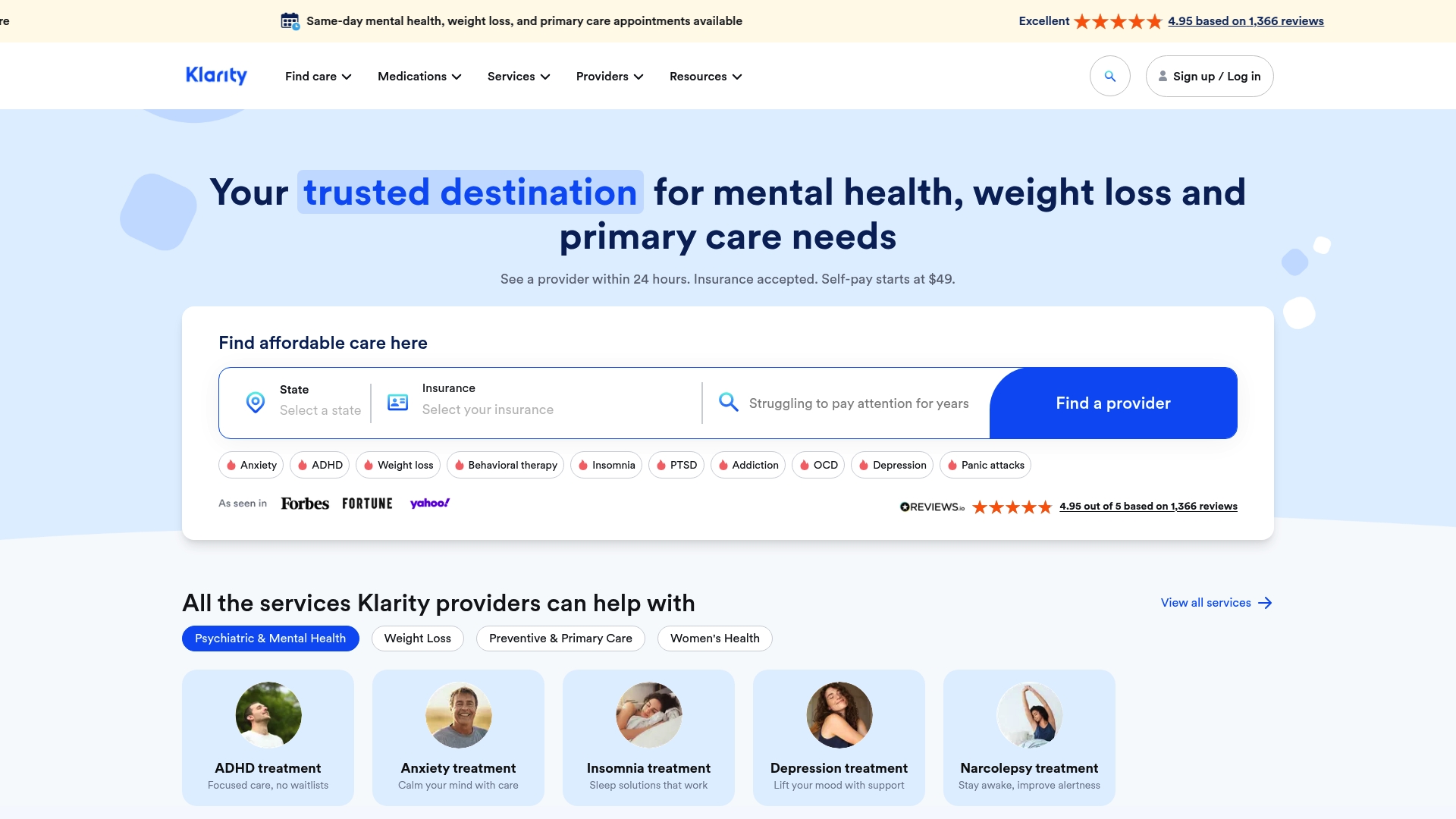
Whether you are managing a chronic condition, scheduling a preventive checkup, or addressing a new concern, Helloklarity’s platform supports the full care cycle. You can browse all treatable conditions to confirm your needs are covered, then find a licensed provider in your state before booking. Helloklarity accepts major insurance plans and health savings accounts, making it one of the more accessible options for families who want consistent, ongoing virtual primary care rather than one-off urgent visits.
FAQ
What is a telehealth primary care checklist?
A telehealth primary care checklist is a preparation guide covering technical setup, medical records, planned questions, environment, and post-visit follow-up steps. Using one before every virtual visit reduces wasted time and improves clinical outcomes.
How do I prepare for a telehealth visit technically?
Test your device, internet connection, app login, camera, and microphone at least 24 hours before your appointment. Save your provider’s phone number as a backup in case the video connection fails.
What medical information should I bring to a virtual primary care visit?
Bring a current medication list, recent lab results, vaccination records, a symptom log with dates and severity, your insurance ID, and your pharmacy’s contact information. Vital sign trends logged over 3–5 days are especially useful for chronic condition management.
Can telehealth providers prescribe medications and order lab tests?
Virtual primary care providers can prescribe medications and order labs in most states, but capabilities vary by platform. Confirm prescription and lab order availability with your specific provider before your first visit.
How is virtual primary care different from telehealth urgent care?
Virtual primary care offers ongoing provider relationships, preventive care planning, specialist referrals, and full prescription management. Telehealth urgent care handles short-term issues only and rarely supports continuity of care or long-term treatment.
Recommended
- Affordable Telehealth Plans For Families In 2026
- Types Of Primary Care Telehealth Services In 2026
- Common Primary Care Conditions Treated Online: 2026 Guide
- Online Primary Care Visit Best Practices In 2026
Get expert care from top-rated providers
Find the right provider for your needs — select your state to find expert care near you.
— Monday to Friday, 7:00 AM to 4:00 PM PST
Join our mailing list for exclusive healthcare updates and tips.

— Monday to Friday, 7:00 AM to 4:00 PM PST