 HSA & FSA accepted; best-value for top quality care
 Same-day mental health, weight loss, and primary care appointments available

 Accept major insurances and cash-payHSA & FSA accepted; best-value for top quality careSame-day mental health, weight loss, and primary care appointments availableAccept major insurances and cash-pay
Telehealth Urgent Care Visit Guide: Be Ready
Written by Klarity Editorial Team
Published: Jul 15, 2026

Last updated: August 10, 2026
A telehealth urgent care visit is a live or asynchronous virtual consultation with a licensed provider for non-emergency health issues you need addressed quickly. The industry term is “virtual urgent care,” and it covers everything from diagnosing a sinus infection to managing a minor sprain without leaving your home. Virtual urgent care efficiently treats conditions like cold and flu symptoms, allergies, minor infections, and medication refills. Knowing how to prepare, what technology you need, and what to expect during the visit separates a productive appointment from a frustrating one. This telehealth urgent care visit guide covers every step.
Need care without the waiting room? Klarity Health connects you with 2,000+ licensed providers for same-day telehealth, including online prescriptions, anxiety treatment, ADHD care, and other treatable conditions. Coverage varies by plan; verify benefits before booking. See if you may qualify →
What do you need to set up for a telehealth urgent care visit?
Technology readiness is the single biggest factor in whether your virtual urgent care appointment runs smoothly. A dropped connection or a broken microphone wastes your provider’s time and delays your care. Getting this right before you log in takes less than ten minutes.
Devices and internet connection
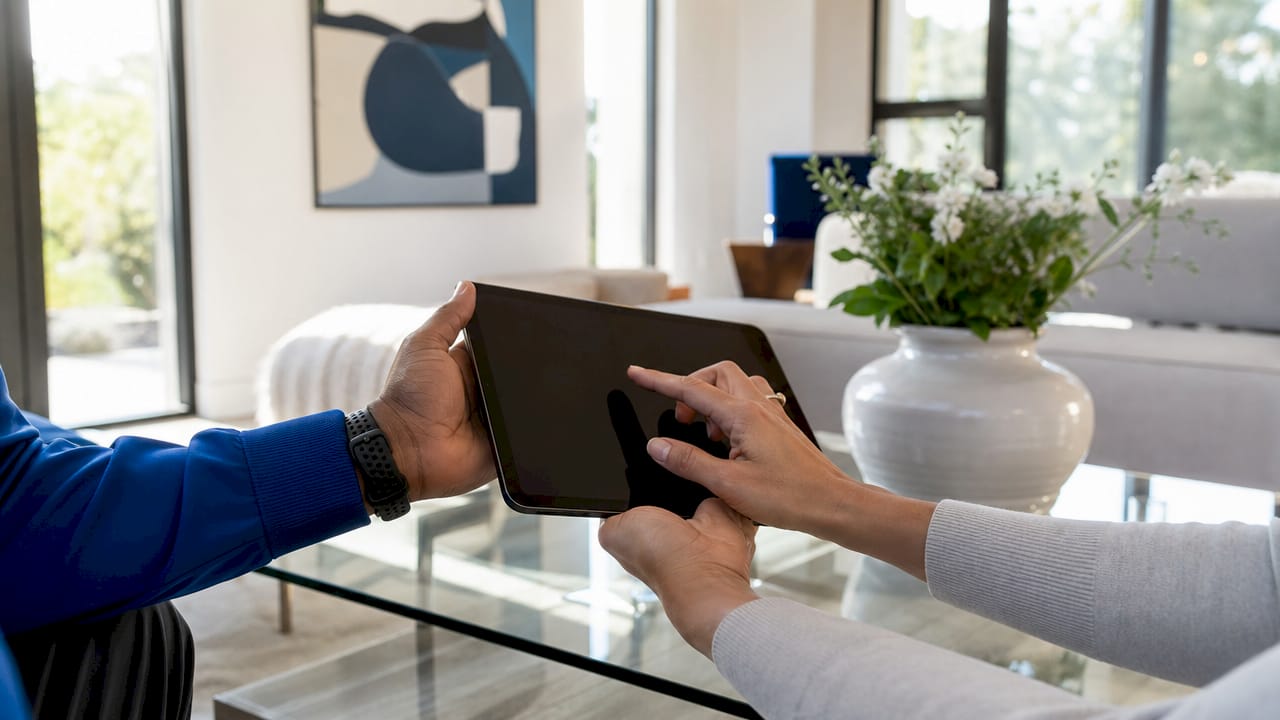
Any smartphone, tablet, or computer with a front-facing camera works for a video visit. Your internet connection needs to be stable enough to sustain a video call without freezing. A wired connection or strong Wi-Fi signal is the standard recommendation. If your home signal is weak, move closer to your router before the appointment starts.
Camera, microphone, and environment
Check your camera and microphone before every visit, not just the first one. A quiet, private room reduces background noise that can interrupt the consultation. Lighting matters more than most patients realize. Good lighting and a plain background improve the provider’s ability to assess visible symptoms. Poor lighting often results in providers requesting an in-person follow-up, which defeats the purpose of a virtual visit.
Face a window or place a lamp in front of you, not behind you. A cluttered or bright background pulls the provider’s attention away from your face and any visible symptoms. Sit at eye level with your camera so the provider gets a clear, direct view.
Pro Tip: Close all background apps and browser tabs before joining. This frees up bandwidth and prevents notification sounds from interrupting the visit.
For patients who prefer not to be on camera, asynchronous telehealth platforms allow text and photo submissions with typical response times under two hours. That option works well for minor skin conditions or follow-up questions where a live video call is not necessary.
How should you prepare your health information before the visit?
Organized health information speeds up diagnosis and reduces the chance your provider misses something. Providers work from what you tell them. Vague or incomplete answers slow the visit down and can lead to less accurate treatment decisions.
Here is what to have ready before you join:
- Current medications and dosages. Include over-the-counter drugs, supplements, and vitamins. Providers need the full picture to avoid prescribing something that interacts badly with what you already take.
- Symptom details. Note the exact date symptoms started, how severe they are on a scale of 1 to 10, how often they occur, and whether they are getting better or worse.
- Relevant photos. If you have a rash, wound, or visible swelling, take clear photos in good lighting before the visit. Sharing these during the consultation gives the provider a better view than a camera alone.
- Photo ID and insurance information. Have these ready on your phone or nearby. Some platforms require verification before the visit begins.
- A short list of questions. Write down your top two or three concerns so you do not forget them once the visit starts.
Gathering health history, symptom details, and medication lists before the visit reduces delays and improves diagnosis accuracy. That preparation also helps you use your appointment time for answers, not data collection.
Pro Tip: Use the notes app on your phone to build a running symptom log in the days before your visit. Timestamps and specific descriptions give your provider far more to work with than a general summary.
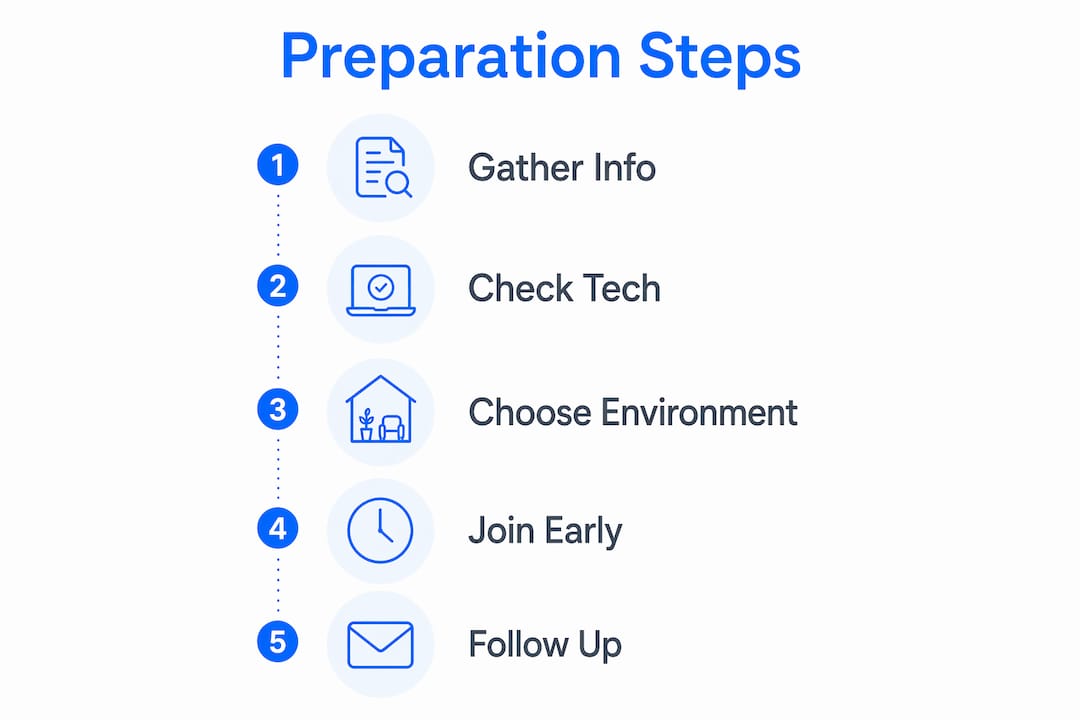
A useful resource for building your full preparation checklist is the telehealth visit checklist from Helloklarity, which covers both urgent and primary care scenarios.
What happens step by step during a virtual urgent care visit?
Understanding the flow of a virtual urgent care appointment removes the uncertainty that makes patients hesitant. The structure is predictable once you have been through it once.
- Receive your secure link. Most platforms send a link by email or text when your appointment is confirmed. Do not share this link. Log in 5–10 minutes early to confirm your audio and video are working.
- Check-in and verification. A staff member or automated system may verify your identity and insurance before the provider joins. Have your ID ready.
- Provider review. The provider reviews your submitted symptoms, medical history, and any photos you shared. They will ask follow-up questions to clarify details.
- Visual assessment. The provider uses your camera feed to assess visible symptoms. This is where your lighting setup and camera angle directly affect the quality of care you receive.
- Diagnosis and treatment plan. The provider explains their assessment and recommends treatment. Ask questions here. Take notes or ask if a visit summary will be sent afterward.
- Electronic prescription delivery. If medication is needed, e-prescriptions are transmitted securely to your local pharmacy following national regulatory standards. You do not need to handle a paper prescription.
- Follow-up pathway. Many platforms schedule a follow-up within 24–48 hours to monitor your progress or escalate care if symptoms worsen.
| Visit stage | What you should do |
|---|---|
| Before joining | Test camera, mic, and internet. Have medications and symptom notes ready. |
| Check-in | Confirm identity, share insurance if required. |
| Provider review | Answer questions clearly and share photos if relevant. |
| Diagnosis | Take notes. Ask about next steps and red flags to watch for. |
| After the visit | Pick up prescription, monitor symptoms, attend follow-up if scheduled. |
Video visits are synchronous, meaning both you and the provider are live at the same time. Asynchronous visits let you submit information at your own pace and receive a response later. Both formats are legitimate, and the right choice depends on your condition and your schedule.
Common mistakes that derail a telehealth urgent care experience
Most failed virtual urgent care visits trace back to a small set of avoidable errors. Knowing them in advance keeps your appointment on track.
- Joining late or unprepared. Logging in at the exact appointment time leaves no buffer for technical issues. Join early, every time.
- Weak internet or failing hardware. A dropped call mid-consultation can result in an incomplete assessment. Test your setup before the visit, not during it.
- Vague symptom descriptions. “I feel bad” gives a provider almost nothing to work with. Specific onset dates, severity scores, and progression details lead to faster, more accurate diagnoses.
- Withholding information. Patients sometimes omit medications, supplements, or lifestyle factors out of embarrassment. Providers need the full picture to treat you safely.
- Using telehealth for emergencies. Chest pain, difficulty breathing, stroke symptoms, or severe injuries require an emergency room, not a virtual visit. When symptoms are ambiguous or worsening, choose a higher level of care.
“Virtual urgent care is not a substitute for long-term management. It is an urgent triage resource. Knowing when to step up to in-person care is part of using it correctly.” — Dr. Parwani, Yale Medicine
Pro Tip: If your video connection fails mid-visit, switch to your phone’s cellular data and rejoin using the same link. Most platforms hold your session open for a few minutes.
Telehealth reduces unnecessary emergency room visits by giving patients a faster, lower-cost option for conditions that do not require in-person diagnostics. That benefit only holds when patients use the right channel for the right condition.
Key Takeaways
A successful virtual urgent care visit depends on technology readiness, organized health information, and knowing which conditions are appropriate for remote treatment.
| Point | Details |
|---|---|
| Technology setup | Test your camera, microphone, and internet connection before every visit, not just the first. |
| Health information prep | Have your medication list, symptom timeline, and relevant photos ready before joining. |
| Visit flow | Join 5–10 minutes early, take notes during the consultation, and confirm your follow-up plan. |
| E-prescriptions | Licensed providers transmit prescriptions directly to your pharmacy following national standards. |
| Know the limits | Chest pain, stroke symptoms, and severe injuries require an emergency room, not a virtual visit. |
Telehealth urgent care is useful, but it is not a safety net for everything
I have spent years watching patients treat virtual urgent care as either a miracle solution or a last resort. Neither framing is accurate. The real value of a telehealth urgent care visit sits in a specific middle ground: conditions that need prompt attention but do not require a physical exam, imaging, or lab work done on the spot.
What I find most underappreciated is how much the patient controls the quality of the visit. A provider working from a blurry camera feed, incomplete medication history, and vague symptom descriptions is operating with one hand tied behind their back. The patients who get the most out of virtual care are the ones who treat preparation as part of the appointment, not a formality before it.
The other thing worth saying plainly: telehealth urgent care is an intermediate step, not a replacement for ongoing primary care. It handles the acute moment well. It does not manage chronic conditions, build a longitudinal health record, or catch patterns over time. Patients who use it as a substitute for a regular provider relationship eventually run into gaps in their care. Use it for what it does well, and understand why primary care still matters alongside it.
The technology is genuinely good now. The limiting factor is almost always preparation and realistic expectations, not the platform itself.
— Guorui
Helloklarity makes virtual urgent care straightforward
Getting care quickly should not require navigating a complicated system. Helloklarity connects patients with 2,000+ licensed providers across mental health, weight loss, and primary care, with same-day appointments available and self-pay options starting at $49.
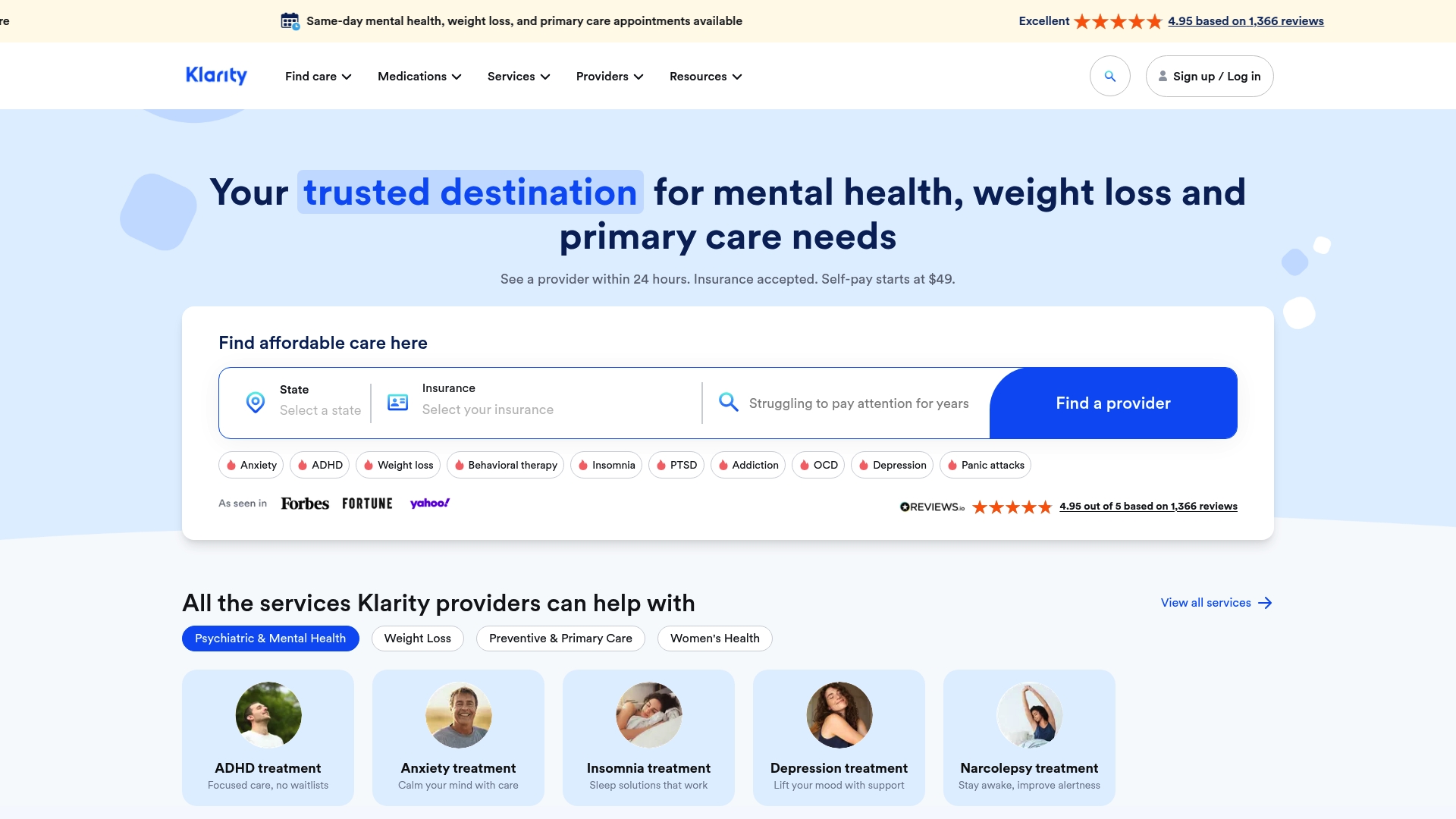
Major insurance and health savings accounts are accepted, which keeps costs manageable for a wide range of patients. Whether you need to address a minor infection, manage a recurring condition, or get a prescription refilled when appropriate, you can browse treatable conditions and book a visit without a long wait. Explore anxiety care, ADHD treatment, depression treatment, or all conditions we treat with Klarity’s 2,000+ licensed providers. Coverage varies by plan; verify benefits before booking.
Related telehealth care options
If your visit points to ongoing care beyond a one-time urgent issue, these Klarity Health pathways may help:
- Online doctor prescriptions for medication evaluation and e-prescribing when clinically appropriate
- Online anxiety treatment when stress or anxiety is driving symptoms
- Online ADHD treatment for evaluation and medication management
- Online depression treatment for mood-related support
- Online weight loss treatment when weight management is part of your care plan
- Browse all treatable conditions across Klarity’s 2,000+ provider network
Insurance coverage varies by plan. Patients should verify benefits before booking. Prescriptions are issued only when clinically appropriate.
FAQ
What conditions can a telehealth urgent care visit treat?
Virtual urgent care treats cold and flu symptoms, allergies, minor infections, sprains, and medication refills. Conditions requiring imaging, lab work, or physical procedures need an in-person visit.
How early should I join my virtual urgent care appointment?
Join 5–10 minutes early with your medication list and symptom notes already prepared. This buffer gives you time to fix any technical issues before the provider enters the session.
Can a telehealth provider send a prescription to my pharmacy?
Yes. E-prescriptions are transmitted securely from licensed telehealth providers to local pharmacies following national regulatory standards. No paper prescription is needed.
What should I do if my video connection drops during the visit?
Switch to your phone’s cellular data immediately and rejoin using the same secure link. Most platforms hold the session open for a few minutes to allow reconnection.
When should I go to the emergency room instead of a virtual visit?
Chest pain, difficulty breathing, stroke symptoms, and severe injuries require emergency care. When symptoms are worsening or ambiguous, choose a higher level of in-person care over a virtual appointment.
Recommended
- Telehealth Primary Care Checklist For Families In 2026
- Your Telehealth Mental Health First Visit: What To Expect
- Same Day Primary Care Appointments: Real Examples And Tips
- Browse treatable conditions
Get expert care from top-rated providers
Find the right provider for your needs — select your state to find expert care near you.
Related posts






— Monday to Friday, 7:00 AM to 4:00 PM PST
Join our mailing list for exclusive healthcare updates and tips.

— Monday to Friday, 7:00 AM to 4:00 PM PST