 HSA & FSA accepted; best-value for top quality care
 Same-day mental health, weight loss, and primary care appointments available

 Accept major insurances and cash-payHSA & FSA accepted; best-value for top quality careSame-day mental health, weight loss, and primary care appointments availableAccept major insurances and cash-pay
Telehealth Primary Care Platform Features Explained
Written by Klarity Editorial Team
Published: Jun 13, 2026

A telehealth primary care platform is a multi-feature software system that combines scheduling, secure communication, clinical documentation, e-prescribing, and patient engagement into one unified environment. The best platforms do not just offer video calls. They integrate every step of the care workflow so patients get faster access and providers spend less time on administrative tasks. Platforms like DrChrono and Blue Shield’s Virtual Blue program demonstrate what fully integrated telehealth software functionalities look like in practice. If you are evaluating your options, the feature set is what separates a platform that works from one that creates friction at every turn.
1. Appointment scheduling and patient onboarding features
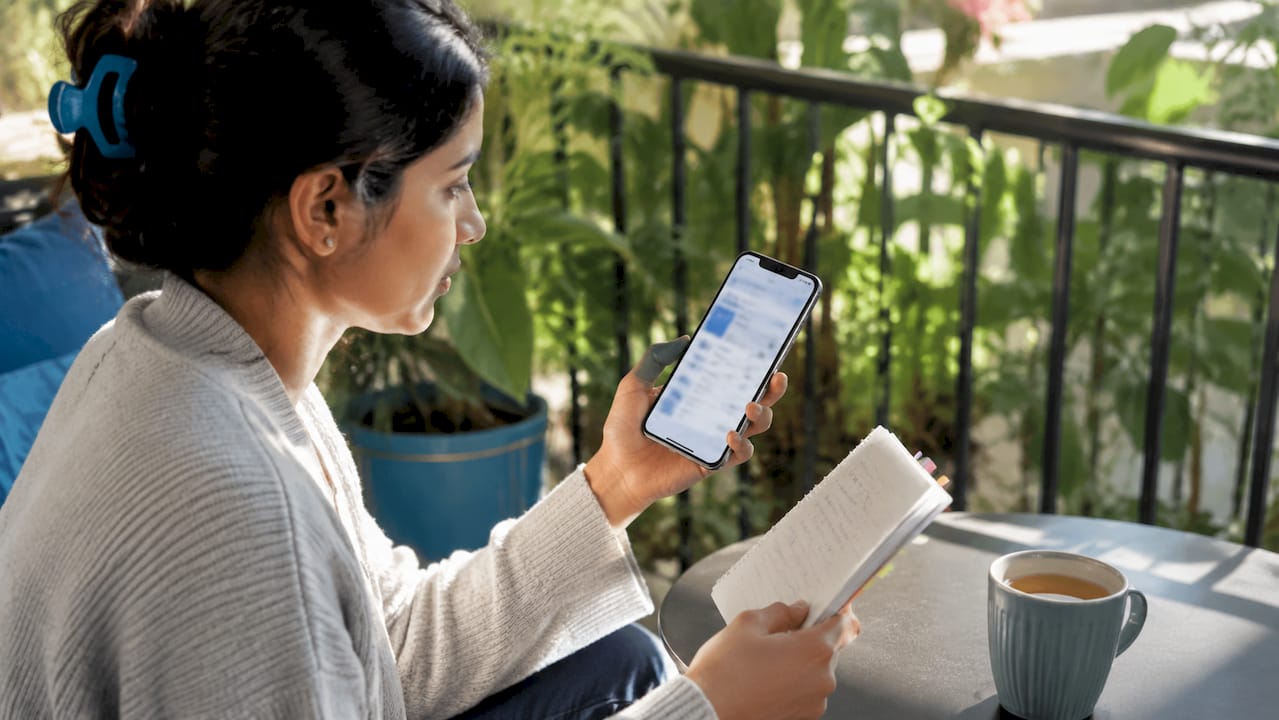
The first place most telehealth platforms lose patients is the booking and setup process. A strong scheduling system sits inside the electronic health record so that booking, intake, and documentation all connect automatically. Patients can join visits from any device including desktop, iPhone, or iPad without downloading software, using a one-click secure link sent by automated email. That single design choice removes the most common reason patients abandon virtual visits before they start.
Digital consent forms attach directly to each appointment, so patients sign before the visit rather than during it. This matters for billing compliance, not just convenience. Automated reminders reduce no-show rates, and virtual waiting rooms give providers a buffer between appointments without leaving patients uncertain about their status.
- One-click secure meeting links sent automatically after booking
- No software download required on any device
- Digital consent capture tied to each scheduled appointment
- Automated email and SMS reminders before visits
- Virtual waiting rooms with provider-controlled entry
Pro Tip: When evaluating a platform, test the patient onboarding flow yourself from a mobile device. If you need more than two taps to join a visit, your patients will struggle too.
2. Synchronous, asynchronous, and remote patient monitoring support
Not every patient need requires a live video call, and the best primary care digital tools reflect that reality. Telehealth platforms support three distinct modalities: synchronous visits for real-time video and audio, asynchronous workflows for store-and-forward clinical review, and remote patient monitoring for continuous biometric data capture using FDA-cleared devices.
| Modality | How it works | Best use case |
|---|---|---|
| Synchronous | Live video and audio with integrated documentation | Acute concerns, medication reviews, new patient visits |
| Asynchronous | Patient submits data; provider reviews within 24 to 72 hours | Prescription refills, lab result review, follow-up questions |
| Remote patient monitoring | Connected devices send biometric data continuously | Hypertension, diabetes, post-discharge monitoring |
Platforms that support all three modalities give providers the flexibility to match the visit type to the clinical need. A patient managing a chronic condition via telehealth benefits from remote monitoring between synchronous check-ins rather than scheduling a full video visit every time a blood pressure reading needs review. Mature platforms also allow escalation from asynchronous intake to synchronous visits without losing consent records or documentation, which is a workflow detail that separates enterprise-grade software from basic video tools.
Pro Tip: Look for platforms that let providers switch modalities mid-encounter. If a patient starts with a message-based intake and needs a live conversation, that transition should take one click, not a new appointment.
3. HIPAA-compliant communication and documentation
Secure communication is not optional in telehealth. It is the legal and operational foundation every other feature depends on. The ClinicianCore platform, as one example, builds end-to-end encryption and role-based access controls into its core architecture rather than adding them as optional settings. Audit logging tracks every access event so that protected health information is traceable at all times.
Documentation workflows in compliant platforms auto-populate the billing fields that regulators require. According to CMS guidance, missing consent documentation is the top denial trigger for telehealth billing claims in 2026. Platforms that automatically record patient location, technology modality, identity verification, and consent attestation eliminate that risk before a claim is ever submitted.
Key compliance features to verify in any platform include:
- End-to-end encryption for all messages, video, and file transfers
- Role-based access control so staff see only what their role requires
- Comprehensive audit trails with timestamps and user identification
- Auto-populated documentation fields for patient location and modality
- Consent attestation capture integrated into the appointment workflow
Understanding how telemedicine billing codes work is easier when the platform handles documentation compliance automatically rather than leaving it to manual entry.
4. Integrated e-prescribing and pharmacy routing
E-prescribing built directly into the visit workflow is one of the most practical virtual healthcare platform benefits for both patients and providers. Clinicians can prescribe immediately after encounters using built-in tools that route prescriptions directly to the patient’s preferred pharmacy. There is no separate system to log into and no paper prescription to fax.
The practical benefits are significant:
- Prescriptions reach the pharmacy before the patient ends the call
- Digital tracking confirms when a prescription is filled or flagged
- Formulary checks reduce errors by alerting providers to coverage issues
- Controlled substance e-prescribing is supported on platforms with DEA-compliant authentication
- Refill requests from patients route back to the provider through the same system
This integration removes a common gap in telehealth care where patients receive a diagnosis but face delays getting medication. For primary care telemedicine options that include chronic disease management, e-prescribing continuity is not a convenience feature. It is a clinical necessity.
5. Multi-platform compatibility and patient-facing usability
A telehealth platform that only works well on one device type will exclude a significant portion of patients. The Jane App platform demonstrates the standard: one secure link per appointment, accessible from desktop, mobile, and tablet, with no download required. Screen sharing, in-visit chat, and virtual waiting rooms are included as standard features rather than add-ons.
From the provider side, usability means customizable patient profiles, flexible appointment types, and care team communication tools that handle referrals, lab orders, and health coaching coordination in one place. Blue Shield’s Virtual Blue program shows what this looks like at scale. The program serves 150,000 members with coordinated care teams including health coaches, and 85% of visits include behavioral health screening. That level of coordination requires a platform where every team member works inside the same system.
The features that most directly improve patient experience include:
- No-download video access from any browser on any device
- Customizable intake forms that match the specific visit type
- In-visit screen sharing for reviewing test results or care plans
- Secure in-visit chat for patients who have audio difficulties
- Automated follow-up scheduling triggered by visit outcomes
- Referral and lab order management within the same platform
- Health coaching and care team messaging visible to the primary provider
6. Integrated workflows that reduce administrative burden
The difference between a good telehealth platform and a great one is whether scheduling, intake, documentation, messaging, and billing connect inside one system or require providers to switch between tools. Unified workflows reduce administrative burden and increase visit completion rates by eliminating the app-hopping that fragments both provider attention and patient records.
Practice ownership and workflow integration influence telehealth adoption rates more than raw video quality does. Physicians in hospital-owned practices adopt telehealth more widely, which reflects that institutional support for integrated systems drives usage. Independent clinics that choose platforms with connected workflows see similar gains. When a provider finishes a visit, the chart note, billing code, prescription, and follow-up appointment should all be ready without manual re-entry.
Virtual primary care quality depends on longitudinal care records and follow-up management. Platforms that support care plan documentation and chronic condition tracking build the kind of provider continuity that improves preventive visit adherence over time. A patient who sees the same provider, with the same record, across multiple visit types is more likely to stay engaged with their care.
Key takeaways
The most effective telehealth primary care platforms integrate scheduling, documentation, e-prescribing, and secure communication into one system rather than offering isolated features.
| Point | Details |
|---|---|
| Integrated workflows matter most | Platforms connecting scheduling, intake, billing, and documentation reduce errors and save provider time. |
| Consent capture prevents billing denials | Auto-populated consent and location fields are required by CMS and reduce claim rejections. |
| Three modalities expand access | Synchronous, asynchronous, and remote monitoring support different patient needs without separate systems. |
| No-download access reduces dropout | One-click secure links from any device remove the most common barrier to visit completion. |
| E-prescribing closes the care gap | Built-in pharmacy routing means patients receive prescriptions before the visit ends. |
What I’ve learned about choosing telehealth platforms that actually work
Most people evaluating telehealth platforms focus on video quality and pricing. Those matter, but they are not where platforms succeed or fail in practice. The real differentiator is whether the platform eliminates friction at every handoff point: from booking to joining, from visit to prescription, from documentation to billing submission.
I have seen providers abandon otherwise capable platforms because patients could not figure out how to join a visit. That is a solvable problem, and any platform that requires a download or a multi-step setup in 2026 has not solved it. The asynchronous messaging features on mature platforms are equally underrated. Providers who use store-and-forward workflows for prescription refills and lab reviews free up synchronous visit slots for patients who genuinely need real-time care.
The billing compliance piece is where I see the most avoidable damage. Platforms that auto-populate consent attestation, patient location, and modality fields are not just convenient. They protect revenue. A single documentation gap can trigger a claim denial that takes weeks to resolve. Choose a platform that treats documentation compliance as a built-in workflow, not a provider responsibility.
Finally, look for modality escalation paths. A patient who starts with a message-based intake and needs a live conversation should transition without losing any of their intake data. That capability separates platforms built for real clinical workflows from those built for demos.
— Guorui
See how Helloklarity puts these features to work for you
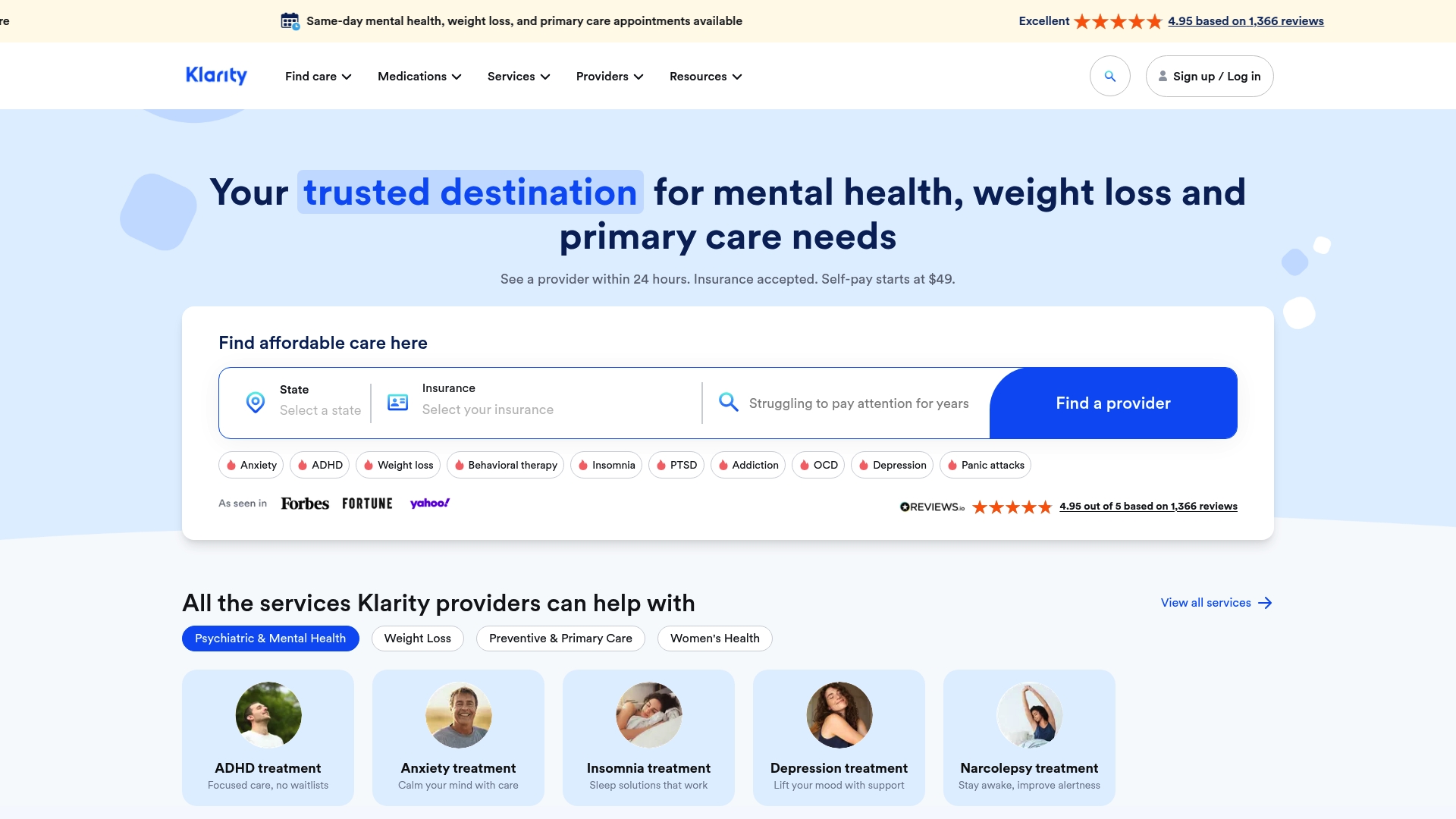
Helloklarity connects you with over 1,000 licensed providers across primary care, mental health, and weight loss, with same-day appointments available and most patients seen within 24 hours. The platform uses secure video visits with no downloads required, built-in e-prescribing, and HIPAA-compliant messaging so your care does not stop when the visit ends. Self-pay options start at $49, and major insurance plus health savings accounts are accepted. You can explore available telehealth services or find a provider in your state to get started today.
FAQ
What are the core features of a telehealth primary care platform?
The core telehealth primary care platform features include integrated scheduling, one-click video visits, HIPAA-compliant messaging, e-prescribing, clinical documentation, and billing compliance tools. Platforms that connect all of these in one system deliver better outcomes than those offering video alone.
How does telehealth protect my health information?
Compliant telehealth platforms use end-to-end encryption, role-based access controls, and audit logging to protect protected health information. These controls are required under HIPAA and should be built into the platform architecture, not added as optional settings.
What types of visits can I have through a telehealth platform?
Telehealth platforms support three visit types: synchronous live video, asynchronous store-and-forward messaging reviewed within 24 to 72 hours, and remote patient monitoring using connected devices. The right type depends on your clinical need.
Can a telehealth provider send prescriptions directly to my pharmacy?
Yes. Platforms with integrated e-prescribing route prescriptions to your preferred pharmacy immediately after the visit. Digital tracking confirms when the prescription is received and filled, removing delays common in traditional referral workflows.
Do I need to download software to use a telehealth platform?
No. Leading platforms like DrChrono and Jane App use one-click secure links that open in any browser on desktop, mobile, or tablet without requiring a download or account creation from the patient.
Recommended
- Types Of Primary Care Telehealth Services In 2026
- Asynchronous Primary Care Messaging Explained
- How To Start A Telehealth General Psychiatry Practice In Georgia | Klarity Health, Inc
- Telehealth ADHD Prescribing: What PMHNPs Can Do In Florida | Klarity Health, Inc
Get expert care from top-rated providers
Find the right provider for your needs — select your state to find expert care near you.
Related posts






— Monday to Friday, 7:00 AM to 4:00 PM PST
Join our mailing list for exclusive healthcare updates and tips.

— Monday to Friday, 7:00 AM to 4:00 PM PST