 HSA & FSA accepted; best-value for top quality care
 Same-day mental health, weight loss, and primary care appointments available

 Accept major insurances and cash-payHSA & FSA accepted; best-value for top quality careSame-day mental health, weight loss, and primary care appointments availableAccept major insurances and cash-pay
Online Primary Care Visit Best Practices in 2026
Written by Klarity Editorial Team
Published: Jun 11, 2026

Online primary care visits are virtual medical appointments conducted via video or phone that allow real-time interaction with a licensed provider without stepping into a clinic. Known formally as telehealth or telemedicine consultations, these appointments now cover everything from cold and flu management to chronic condition follow-ups and prescription renewals. Following online primary care visit best practices is the difference between a productive appointment and one that ends with confusion, missed details, or a repeat visit. Platforms like Scripps Health’s virtual care service and AdventHealth Primary Care+ have documented exactly what separates effective virtual visits from frustrating ones, and the answer is almost always preparation.
1. Online primary care visit best practices start with the right tech setup
Your device is the exam room. A weak internet connection or poor camera can hinder communication and lead to misdiagnosis, which means your setup is a clinical decision, not just a convenience choice. Before your appointment, confirm your device has a working camera and microphone, your battery is fully charged, and your Wi-Fi signal is strong and stable.

Test your audio and video at least 30 minutes before the appointment starts. Many telehealth platforms, including those used by AdventHealth and Scripps Health, offer a test-call feature or a pre-visit check-in screen. Use it. A failed audio check discovered two minutes before your appointment creates unnecessary stress and eats into your consultation time.
Pro Tip: Log into the patient portal app, such as MyScripps or AdventHealth’s portal, at least 10 to 15 minutes before your scheduled time. Early login catches technical issues while there is still time to fix them.
2. Choose the right environment before your appointment
The physical space you choose for your virtual visit matters more than most patients realize. Sit in a quiet, private room where you will not be interrupted. Background noise from a TV, children, or street traffic competes with your voice and forces the provider to ask you to repeat yourself, cutting into your appointment time.
Lighting is the most overlooked factor in virtual visit setup. Place a light source in front of you, not behind you. Backlighting turns you into a silhouette and makes it impossible for your provider to observe visible symptoms like skin color, facial swelling, or eye redness. A simple desk lamp or a seat facing a window solves the problem entirely.
Keep the camera at eye level. A phone propped against a coffee mug or a laptop on a stack of books works fine. Eye-level positioning creates a natural conversational angle and makes it easier to show the provider any physical symptoms during the call.
3. Prepare your medical information 24 to 48 hours ahead
Preparing at least 24 to 48 hours ahead to confirm details, test technology, and gather information improves diagnostic accuracy and reduces repeat visits. This window gives you time to pull together everything your provider needs without scrambling at the last minute.
Write down your current medications, including dosages and how often you take them. Add any supplements or over-the-counter drugs to that list. Providers cannot prescribe safely without knowing what you are already taking, and verbal recall under pressure is unreliable.
Build a symptom timeline. Note when symptoms started, what makes them better or worse, and any changes over time. This kind of structured history is exactly what a provider needs to make a confident clinical assessment remotely. Think of it as doing part of the intake work before the appointment even begins.
4. Confirm your insurance and telehealth coverage in advance
Telehealth coverage varies significantly by insurer and plan type. Call your insurance provider or check your member portal before the appointment to confirm that virtual primary care visits are covered and whether your chosen provider is in-network. An unexpected bill after a visit is avoidable with one phone call.
If you use a health savings account (HSA) or flexible spending account (FSA), confirm that telehealth services qualify under your plan. Most do, but plan rules differ. Platforms like Helloklarity accept major insurance and HSA payments, which simplifies this step for many patients.
Also verify whether your state requires an in-person visit before a provider can prescribe medication via telehealth. Regulations changed significantly between 2020 and 2026, and some states have reinstated pre-prescription requirements for certain drug classes.
5. Communicate your main concern clearly and early
Virtual primary care visits mirror traditional checkups via secure video with real-time symptom discussion and next-step planning. That means your provider is working from what you say and what they can see. Start the visit by stating your primary concern in one or two sentences. Do not build up to it.
Use the OPQRST method to describe symptoms with precision. OPQRST stands for Onset, Provocation, Quality, Radiation, Severity, and Time. Saying “I have had a throbbing headache behind my left eye for three days, rated 7 out of 10, that gets worse when I look at bright lights” gives your provider far more to work with than “my head hurts.”
- State your main concern first, before any background context
- Use OPQRST to describe each symptom systematically
- Mention any recent changes in sleep, diet, stress, or activity that may be relevant
- Tell the provider what you have already tried, including home remedies or over-the-counter treatments
Pro Tip: Before the call ends, ask your provider directly: “What should I do after this call?” This single question clarifies next steps including home care instructions, follow-up timing, and warning signs that require urgent attention.
6. Show visible symptoms with a steady, well-lit camera
Visible symptoms like rashes or swelling require consistent, well-lit camera positioning to serve as the clinician’s exam lens. Your camera is the provider’s only tool for physical observation, so how you use it directly affects the quality of their assessment.
Hold the camera steady and move it slowly when showing a specific area. Shaky or fast movement blurs the image and makes it impossible to assess. If you are showing a rash, hold the camera about six to eight inches from the affected area with a light source shining directly on it. Natural daylight works best for skin conditions.
For throat or mouth symptoms, use a flashlight or phone torch to illuminate the area while a second person holds the camera if possible. Providers can assess quite a lot remotely when patients take the time to set up the shot correctly.
7. Take notes during the visit
Write down every instruction your provider gives you during the call. Memory under stress is unreliable, and the details that matter most, such as medication dosages, follow-up timelines, and warning signs, are exactly the kind of information that gets forgotten within hours.
Keep a notepad and pen next to your device before the visit starts. Alternatively, use a notes app on a second device so your primary screen stays focused on the video call. Ask the provider to slow down if they are moving through instructions quickly. No provider will object to a patient who is writing things down.
After the visit, review your notes and cross-check them against any after-visit summary sent through the patient portal. Discrepancies between what you wrote and what was documented are worth flagging before you act on either.
8. Know which conditions are right for virtual care
Virtual care is intended for non-emergency medical needs such as colds, flu, urinary symptoms, headaches, and joint pain, with providers deciding if in-person care is necessary. Understanding this boundary prevents wasted appointments and, more critically, prevents delays in urgent care.
The table below outlines which situations fit virtual visits and which require in-person evaluation.
| Condition or situation | Best care setting |
|---|---|
| Cold, flu, sore throat, mild fever | Virtual visit appropriate |
| Medication follow-up or refill | Virtual visit appropriate |
| Migraine management, mild stomach issues | Virtual visit appropriate |
| Complex physical exam required | In-person visit required |
| Lab work, imaging, or procedures needed | In-person visit required |
| Chest pain, difficulty breathing, severe injury | Emergency care required |
Telehealth complements but does not fully replace in-person visits. Providers use virtual appointments as part of a broader care plan that may include lab referrals, specialist visits, or follow-up in-person exams. Recognizing this hybrid model helps you use each care setting for what it does best. You can explore the full range of primary care telehealth services available in 2026 to understand where virtual care fits your specific needs.
9. Understand accessibility rights and caregiver inclusion
Telehealth providers must ensure effective communication with patients with disabilities by providing necessary aids, support persons, and platform accessibility without charging patients. This is a legal requirement under the Americans with Disabilities Act, not a courtesy.
If you have a hearing impairment, you have the right to request a sign language interpreter or captioning service for your virtual visit. If you have a cognitive or mobility impairment, you can include a caregiver or family member in the call to assist with communication and documentation. Most telehealth platforms support multi-party video calls for exactly this reason.
- Request accessibility accommodations when booking, not on the day of the visit
- Confirm that the platform supports screen readers or captioning if needed
- Include a caregiver in the call for older adults or patients with complex medical histories
- Ask the provider to send written follow-up instructions through the patient portal
Patients who manage chronic conditions remotely benefit especially from caregiver involvement. Helloklarity’s guide on managing chronic conditions via telehealth covers how to structure ongoing virtual care with caregiver support built in.
Key takeaways
Effective online primary care visits depend on technical preparation, clear symptom communication, and knowing when virtual care is the right setting.
| Point | Details |
|---|---|
| Prepare 24 to 48 hours ahead | Gather medications, symptom timelines, and test your tech before appointment day. |
| Control your environment | Use front lighting, a quiet room, and a camera at eye level for accurate clinical assessment. |
| Communicate with structure | Use OPQRST to describe symptoms and ask “What should I do after this call?” before ending. |
| Know the limits of virtual care | Use telehealth for non-emergency needs; go in-person for exams, labs, and procedures. |
| Accessibility is a legal right | Request interpreters, captioning, or caregiver inclusion when booking, not on the day. |
What I have learned from watching patients struggle with virtual visits
Most patients walk into their first virtual visit the same way they walk into a waiting room: passive, reactive, and expecting the provider to run the show. That approach works reasonably well in person, where a nurse takes your vitals and a provider can physically examine you. It fails in a virtual setting, where the provider’s only inputs are what you say and what the camera shows.
The patients who get the most out of telehealth are the ones who treat preparation as part of the appointment itself. They write down their symptoms before the call. They test their camera. They have their medication list open on the desk. They ask one specific question before hanging up. These are not complicated behaviors. They are habits that take about 20 minutes to build and pay off every single time.
The other thing I want to push back on is the idea that virtual care is somehow a lesser version of real care. For the right conditions, a well-prepared virtual visit with a skilled provider is clinically equivalent to an in-person appointment. The camera and lighting setup serves as the provider’s exam lens. A structured symptom description replaces the intake nurse. The patient’s preparation replaces the physical environment of the clinic.
Where virtual care genuinely falls short is in the situations it was never designed for: complex physical exams, procedures, and emergencies. Knowing that boundary is not a limitation. It is what makes telehealth work well within its actual scope.
— Guorui
See a licensed provider today with Helloklarity
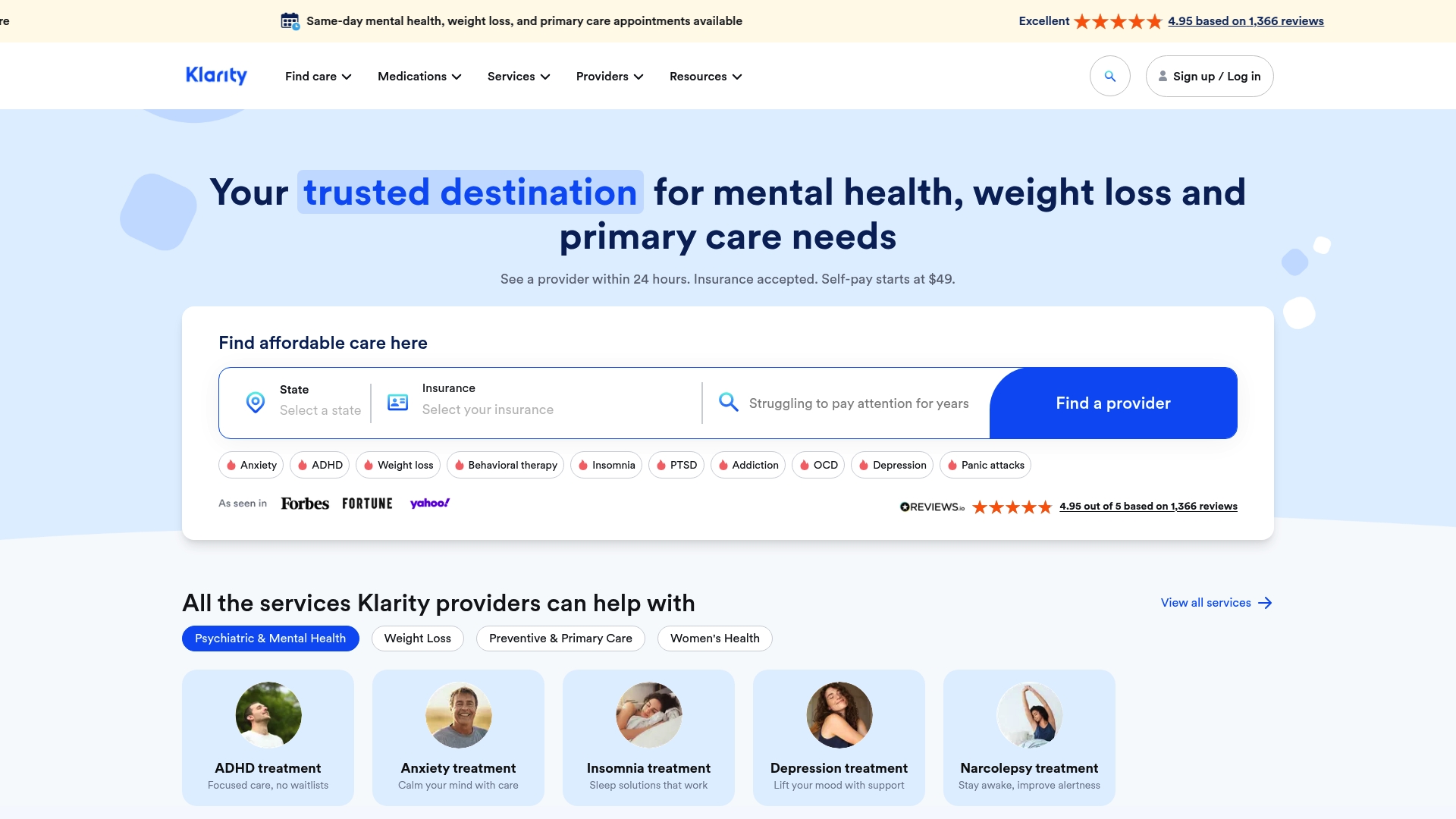
Helloklarity connects you with licensed primary care providers through a secure telehealth platform built for speed and accessibility. Same-day appointments are available, self-pay options start at $49, and the platform accepts major insurance and HSA payments. Whether you need a medication follow-up, a same-day online medical appointment, or support managing a chronic condition, Helloklarity’s network of over 1,000 licensed providers is ready. Explore the full range of telehealth services available online and book your appointment today.
FAQ
What should I do before an online primary care visit?
Prepare at least 24 to 48 hours ahead by gathering your medication list, writing a symptom timeline, testing your camera and microphone, and confirming your insurance coverage. Logging in 10 to 15 minutes early prevents last-minute technical delays.
What conditions can be treated in a virtual primary care visit?
Virtual care is appropriate for non-emergency conditions including colds, flu, migraines, mild stomach issues, urinary symptoms, and medication follow-ups. Conditions requiring physical exams, lab work, or procedures need in-person evaluation.
How do I show symptoms clearly on a video call?
Hold your camera steady six to eight inches from the affected area with a direct light source in front of it. Avoid backlighting and move the camera slowly so the provider can assess the symptom accurately.
Can I bring a caregiver to my virtual visit?
Yes. Under ADA guidelines, telehealth providers must allow support persons and communication aids for patients with disabilities. Most platforms support multi-party video calls, and caregivers can be included for older adults or patients with complex medical histories.
What should I ask before ending a virtual visit?
Ask your provider “What should I do after this call?” before hanging up. This question surfaces follow-up instructions, warning signs, prescription details, and referral information that might otherwise be missed.
Recommended
- Types Of Primary Care Telehealth Services In 2026
- How Telehealth Prescriptions Work In 2026
- Best Online Clinics For Ozempic | Klarity Health, Inc
- What Telehealth Services Can I Get Online? Medical Guide
Get expert care from top-rated providers
Find the right provider for your needs — select your state to find expert care near you.
Related posts






— Monday to Friday, 7:00 AM to 4:00 PM PST
Join our mailing list for exclusive healthcare updates and tips.

— Monday to Friday, 7:00 AM to 4:00 PM PST